You’re a graphic designer. Your website should be your best marketing tool. It’s your digital handshake, your portfolio, and your 24/7 salesperson all rolled into one! But, even the most talented designers can build sites that look incredible, yet quietly send potential clients running to the competition.

If your site isn’t bringing in inquiries like it used to (or ever did), it’s not because you’re not good at what you do. It’s likely because your graphic designer website is breaking a few basic marketing rules.
Below, we’ll cover the most common web design mistakes that might be costing you clients and how to turn your website into a client-converting machine.
1. Prioritizing Aesthetics Over Function
Designers are visual people. You love color, movement, and detail but sometimes that creative flair comes at a cost. If your homepage takes forever to load because of fancy animations, or if your navigation is so minimal that no one knows where to click, you’re losing leads.
How to Fix it:
Keep your design hierarchy simple and intuitive. Stick to one main call-to-action per page (“Book a Call,” “View My Work,” etc.), and make sure the most important info (what you do, who you help, and how to contact you) is immediately visible.
Think of it this way: if your mom can’t find your portfolio in under five seconds, your dream client won’t either.
2. Using a Homepage Carousel (Just Don’t)
We get it. Carousels feel dynamic. They let you show off multiple projects at once. But the truth is, most users don’t sit and wait for slides to change. They scroll right past. In fact, studies consistently show that homepage carousels hurt engagement and conversions. They add clutter and distract from your core message.
How to Fix it:
Choose one strong hero image (or project), pair it with a short, punchy headline and a clear call-to-action. Example: “Brand design that helps small businesses stand out. Let’s work together.”
3. Burying Your Contact Information
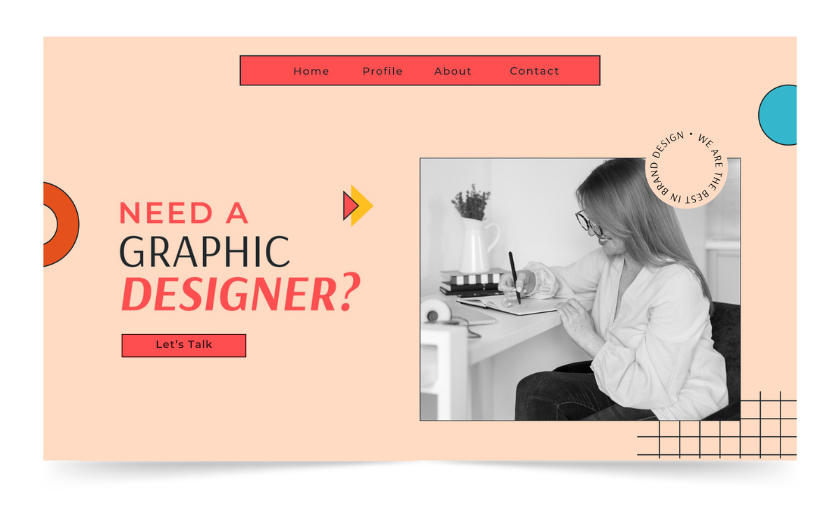
You’ve wowed visitors with your work, but can they figure out how to reach you? If your contact info is buried in a tiny footer link or hidden behind a 5-step form, you’re losing potential clients every day.
How to Fix it:
Make your contact button impossible to miss. Include a clear “Work With Me”, “Let’s Talk”, or simple “Contact” button on every page. Keep your contact form short (name, email, message — that’s it). And for bonus points, include a direct email address or a Calendly link for easy scheduling.
4. Making Your Portfolio Too Complicated
Your portfolio is the star of your graphic designer website but too much of a good thing can overwhelm people.If you’re showcasing every logo you’ve ever designed or using complex lightboxes and hover effects, visitors won’t know where to look first.
How to Fix it:
Curate ruthlessly. Choose your top 5–10 projects and tell a quick story for each:
- The Problem: What challenge did your client face?
- The Process: How did you solve it?
- The Result: What impact did your work make?
Don’t just show pretty pictures, show results. That’s what convinces clients to hire you.
5. Writing Copy That’s All About You (Instead of Your Client)
It’s easy to write your website copy like a résumé: “I’m a multidisciplinary designer specializing in brand identity and digital experiences.” But your clients aren’t hiring you for your tools, they’re hiring you for transformation. They want to know how you’ll make their business better.
How to Fix it:
Shift your language from “me” to “you.”
Instead of: “I’m a brand and web designer based in Portland.” Try: “I help small businesses look polished, consistent, and unforgettable, online and off.” Notice the difference?
6. Forgetting About SEO and Mobile Experience
A stunning website won’t help you if no one can find it or look at it on their phone.
Many designers skip SEO basics because it feels boring or “not creative.” But even the most beautiful site can’t book clients if it never shows up in search results.
How to Fix it:
- Use keywords like graphic designer {your city} and freelance design portfolio naturally in your titles, meta descriptions, and copy.
- Add descriptive alt text to images.
- Make sure your site loads fast and looks great on mobile (most clients will view it there first).
You don’t need to be an SEO expert, just make it easy for search engines (and humans) to understand what you do.
7. Over-Designing Your Own Brand
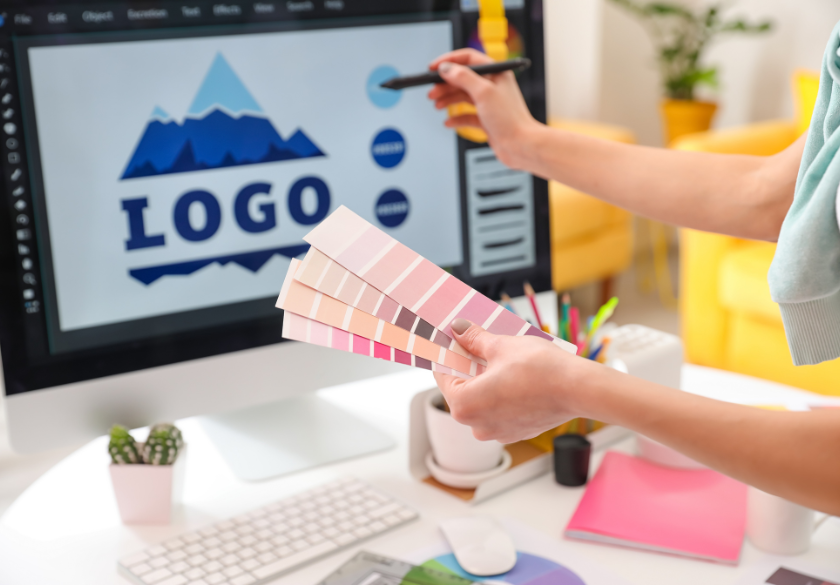
Designers are notorious for tweaking their own brand constantly. A new logo here, a different color palette there, a portfolio refresh every few months. The problem is, if you’re always reinventing yourself, clients can’t get a clear sense of your brand identity.
How to Fix it:
Keep your personal brand consistent. Use a limited color palette, one or two typefaces, and consistent photo or mockup styles. Build a recognizable brand and stick with it long enough for people to remember you.
8. Neglecting Calls-to-Action (CTAs)
You can’t assume people know what to do next, so always give them a call to action. Even if they love your work, they might bounce without clicking “Contact.”
How to Fix it:
Add clear CTAs throughout your site:
- “Book a Free Consultation”
- “See More Projects”
- “Let’s Collaborate”
Use buttons, not just text links. And make sure every major page has a next step that keeps users moving forward. Remember: a portfolio shows your talent, a CTA helps you get paid for it!

9. Skipping Analytics and Maintenance
You wouldn’t design a client’s website and never check back on its performance, right? But many designers neglect to look at their own data. If you’re not tracking how visitors use your site, you’re flying blind.
How to Fix it:
Set up Google Analytics. Check which pages people visit most, where they drop off, and what drives conversions. Review your site quarterly and use that information to keep your site fresh. Update testimonials, refresh your best projects, update blog posts, and check for broken links.
Build a Site That Works as Hard as You Do
A graphic designer website has to do a lot more than look pretty. The goal is to get you clients. Your website is your portfolio, your pitch, and your credibility all in one place. Make it easy to navigate, write it for your clients (not yourself), and give visitors every opportunity to take the next step.
If your current site isn’t bringing in clients you want, don’t stress. It’s totally fixable. At Moonlit Media, we specialize in designing websites for creative professionals that not only showcase your talent but are built to convert visitors into paying clients.
Contact us today to see how we can help you build a beautiful, functional site that truly reflects your brand — and gets results.